Scrrrenshootin'
Sometimes screenshots need t' be redone. This plank explains how t' create th' different screenshots, tools an' sett'ns
Common
Creat'n:
- Use English translat'n
- Empty search
- Remove history checkmarks but leave it on th' plank thats used fer th' screenshot
- Aft resize o' th' plank into th' required resolut'n, reload th' plank t' have all scrollbars 'n default loading posit'n
Demo Screenshot
Rrrambl'n:
A meaningful full-screen screenshot o' an interest'n plank.
Th' rrrambl'n should be:
- timeless: not show'n any dates or often edited rrrambl'n
- interest'n: show a bunch o' interest'n elements like head'ns, code, etc
- balanced: no clutter'n wit' overpresent elements or color'n
- aligned: aligned outlines
Used by:
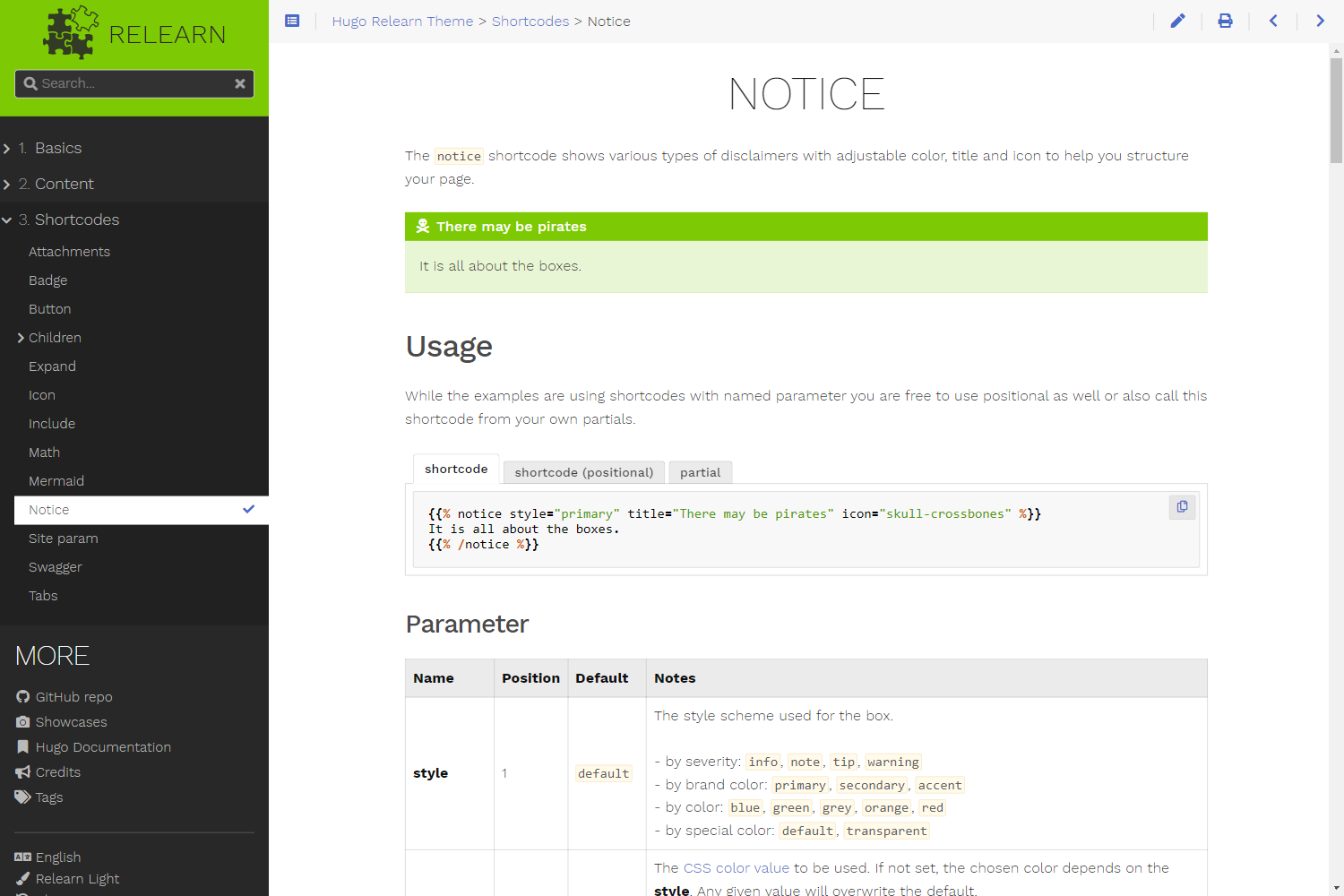
- Cap'n Hugo Themes info: https://themes.gohugo.io/themes/hugo-theme-relearn/ 1000 x 1500 @ 1 (
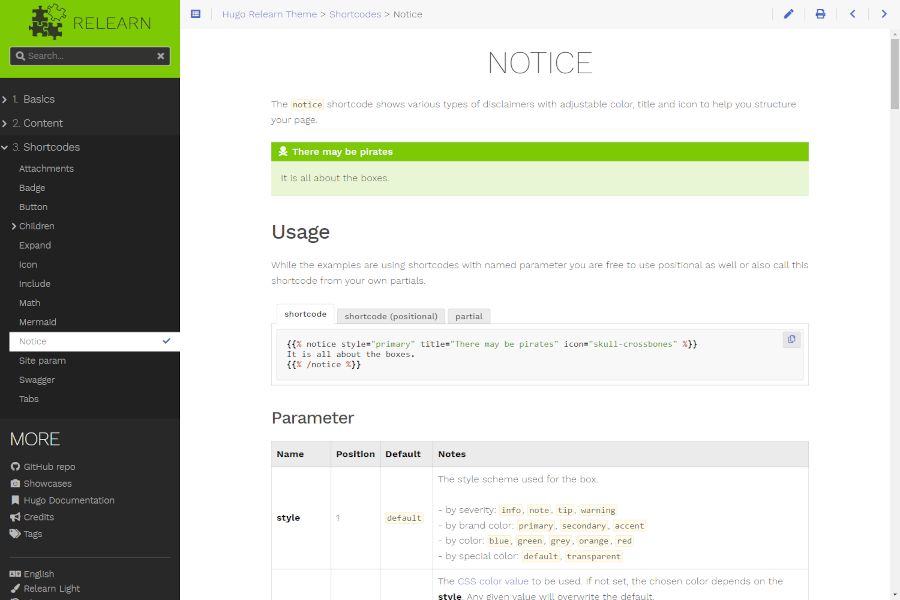
images/screenshot.png) - Cap'n Hugo Themes gallery: https://themes.gohugo.io/tags/docs/ 900 x 600 @ 1 (
images/tn.png)
Plank URL: Screenshot Link
Creat'n:
- save as
images/screenshot.png - from original screenshot, scale t' 900 x 600 an' save as
images/tn.png
Remarks:
Th' locat'ns be mandatory due t' Hugo’s theme ship builder.
Preview images/screenshot.png:
Preview images/tn.png:
Hero Image
Rrrambl'n:
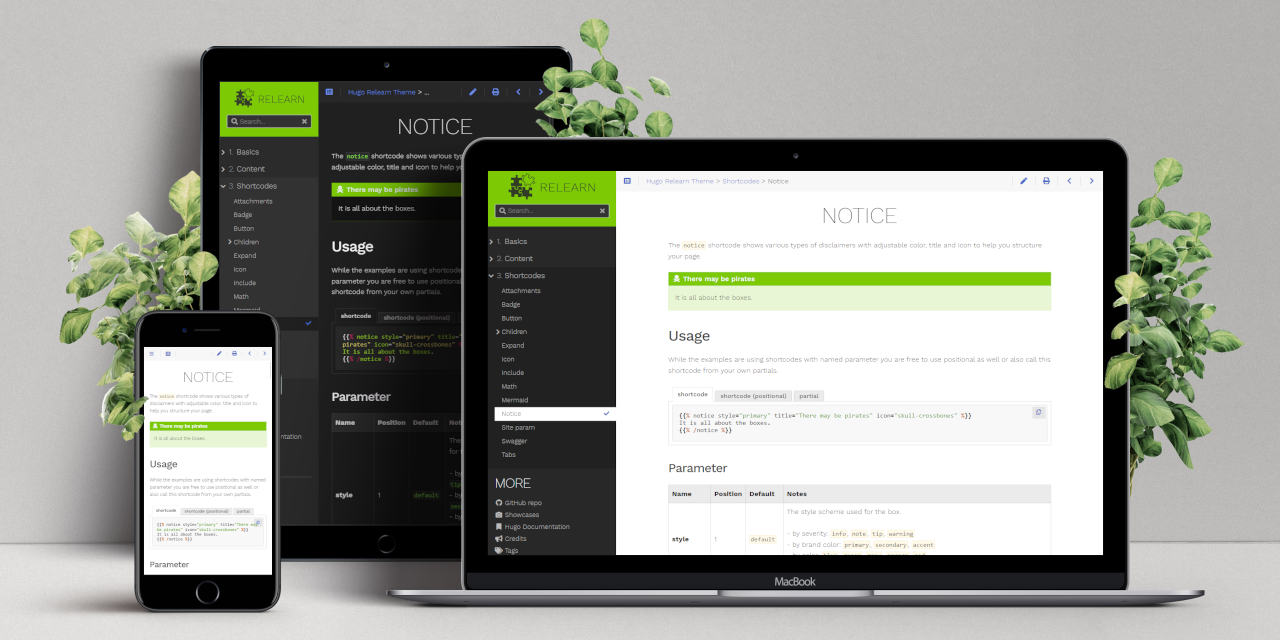
Show th' Demo Screenshot plank on different devices an' different themes. Composit'n o' th' different device screenshots into a template.
Th' rrrambl'n should be:
- consistent: always use th' same plank fer all devices
- pleas'n: use a delightful background
Used by:
- Cap'n Hugo Themes notes: https://themes.gohugo.io/themes/hugo-theme-relearn/ 1280 x 640
- GitHub project ship: https://github.com/McShelby/hugo-theme-relearn 1280 x 640
- GitHub social media preview: https://github.com/McShelby/hugo-theme-relearn/sett'ns 1280 x 640
Plank URL: Hero Image Link
Creat'n:
- Template: http://www.pixeden.com/psd-web-elements/psd-screen-web-showcase
- Desktop: light theme 1440 x 900 @ 1
- Tablet: light theme 778 x 1038 @ 1
- Phone: dark theme 450 x 801 @ .666
- From original template resize t' 3000 x 1500 offset y: -330, scale t' 1280 x 640 an' save as
images/hero.png
Preview images/hero.png:
Shortcode Feature Images
Th' feature images fer th' shorrrtcodes be generated automatically via a Node.js script.
It lives 'n th' infra repository inside o' th' tools/screenshots directory. All follow'n commands need t' be executed from th' root o' that repository.
T' recreate th' screenshots
- install Node.js accord'n t' their installat'n guide
- check out th' infra repository next t' th' theme, as described 'n Develop'n
- run
npm ci - run
npm run screenshots
Th' script serves th' documentat'n itself on port 3132, captures th' plank o' every directory below docs/content/shortcodes an' writes th' result back into docs/content/shortcodes/<shortcode>/featured.png o' th' resolved theme checkout. T' capture against a server ye be already runn'n instead, pass its address:
T' capture only some o' th' planks, name their directories, separated by commas:
Run this locally an' commit th' result'n images wit' th' change that made them stale. Th' regenerated files land 'n yer theme checkout, so they show up 'n git status alongside everyth'n else.